Depositing of Virtual Assets
Note: If you have not whitelisted a crypto wallet for deposit & withdraw, please visit How to add a wallet to the whitelist (Connect Wallet) or How to add a wallet to the whitelist (Manual Verify)
1)
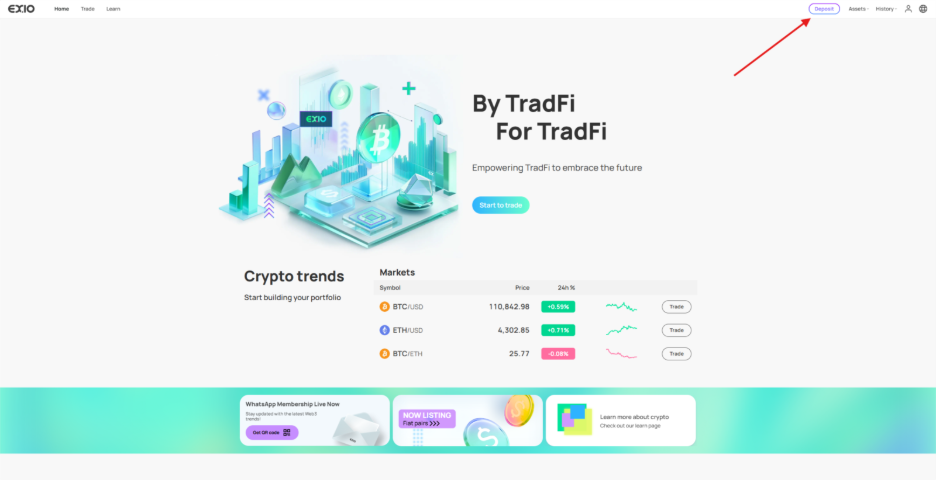
Log in to your verified EX.IO account. Click on “Deposit” at the top right corner of the page
2)
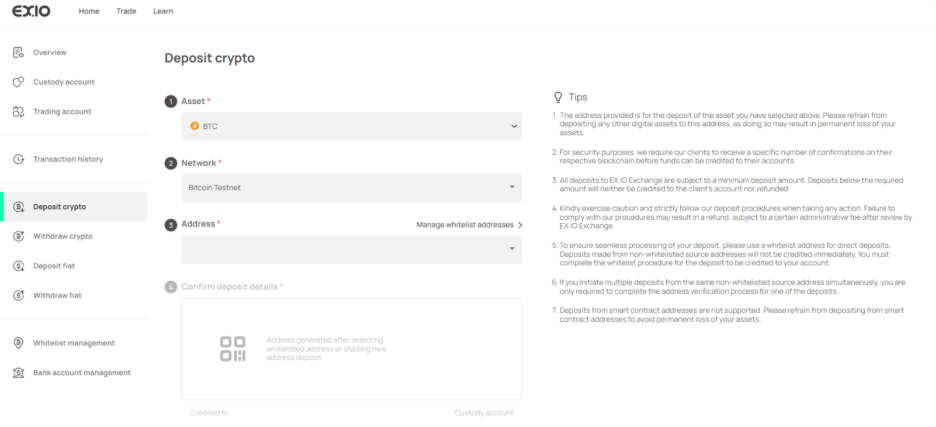
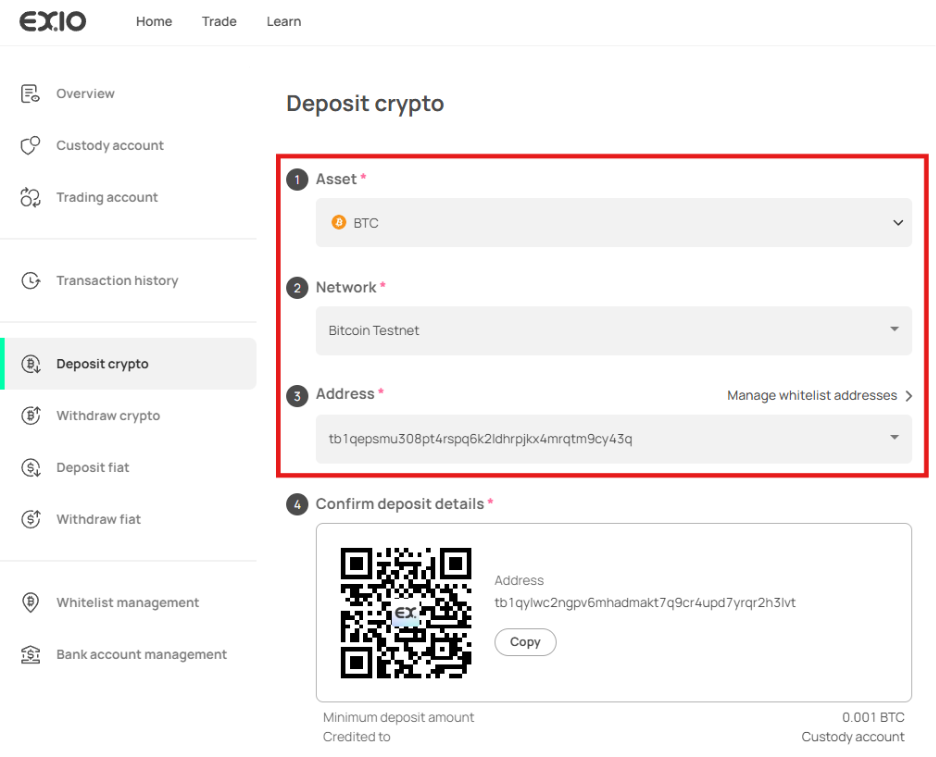
You will be directed to the “Deposit crypto” page
3)
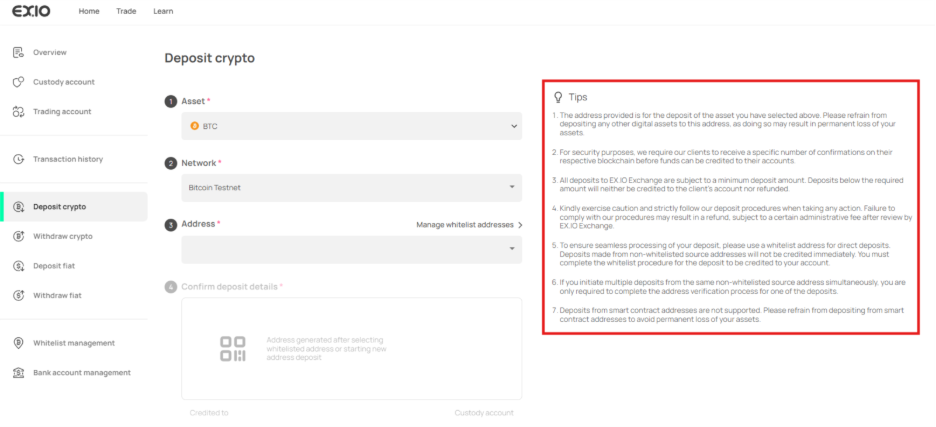
Before initiating the crypto deposit, please review the tips on the right to prevent any payment delays or loss of funds.
4)
Upon reviewing the tips, choose the crypto asset you wish to deposit, specify the network of the asset, and select the whitelisted account from which the funds will be sent.
5)
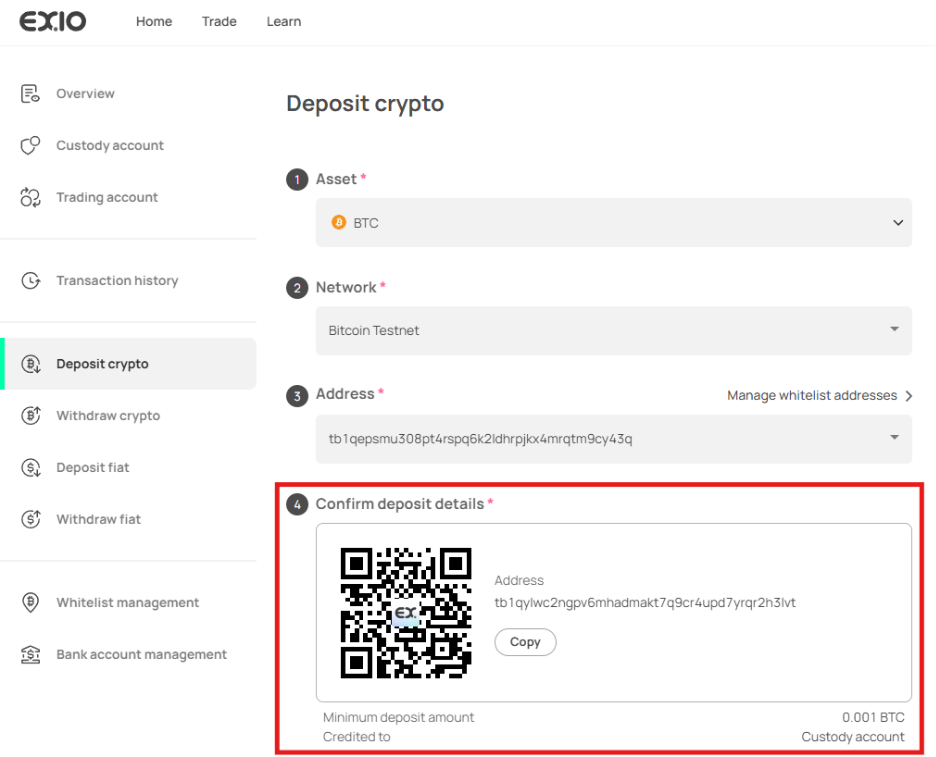
Once you have selected the asset, network, and address, a deposit address will be provided for you to deposit your assets to.